Migrating: One Bug, Three Different Errors
A few weeks ago I finally moved ondrejsramek.cz from Grav 1.x to Grav 2.0. On paper, nothing dramatic — the official grav-plugin-migrate has exactly one job: walk through the installation, upgrade the core, and rewrite configs into the new format. Reality turned out to be a bit more interesting, and this post is mostly about how one incomplete plugin installation managed to produce three seemingly unrelated errors.
What the migration did — and didn't — do
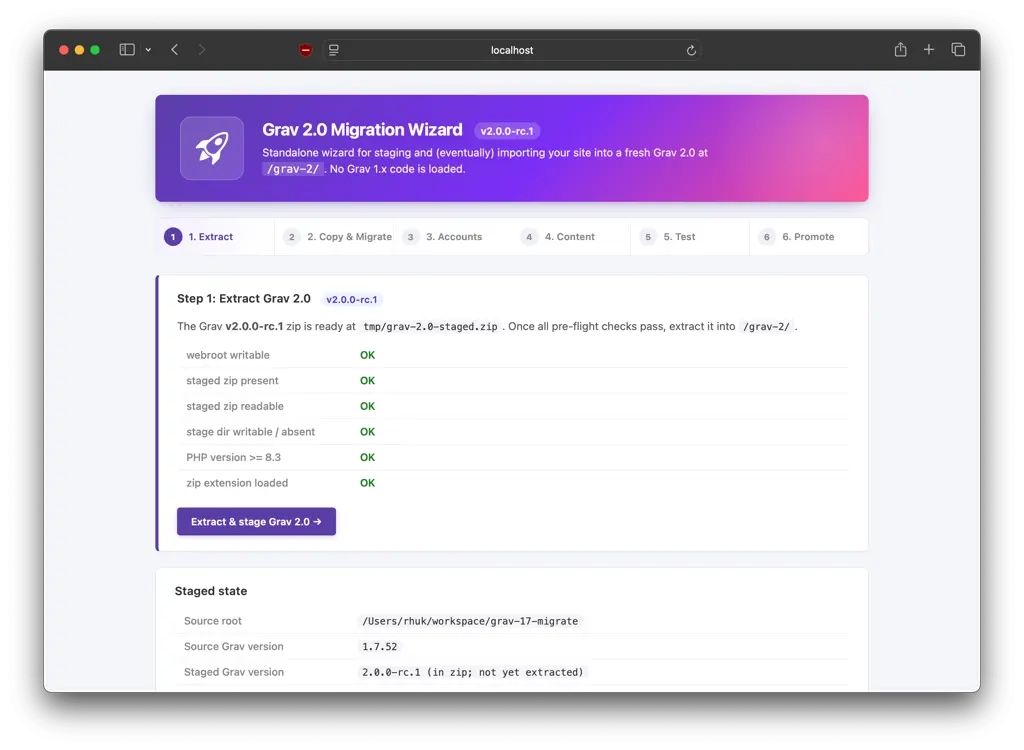
grav-plugin-migrate does its job well: the Grav core and YAML config compatibility went through without issues. What the tool doesn't handle, though, are composer dependencies of individual plugins. If a plugin had its own vendor/ directory back in Grav 1.x, the migration doesn't update it or check whether it's compatible with Grav 2.0 in any way.
In my case, the login plugin was the one that broke.
Three Errors, One Culprit
After the migration, the log started showing these messages, one after another:
- Twig rendering failure due to a missing
templates/directory in the login plugin - Missing
vendor/autoload.php— i.e., missing composer dependencies - ShortcodeCore warning:
Directory not found => .../login/classes/shortcodes
The first two intuitively felt related. The third one looked like a separate mystery — ShortcodeCore checks for shortcodes, so what does that have to do with a login plugin?
The answer: nothing specific. On startup, ShortcodeCore walks through every installed plugin and looks for a classes/shortcodes folder. If a plugin has no shortcodes, you'll get this warning routinely and it means nothing. In my case, though, it was just another symptom of the same root cause — an incomplete installation of the plugin as a whole, not just missing vendor dependencies.
Why This Happened in the First Place
The most likely explanation: vendor/ directories are commonly ignored by deploy/backup tools — either because they follow .gitignore rules, or because the backup script simply treats them as "cache" and skips them. GPM, meanwhile, has no idea any of this happened — the plugin has its blueprints.yaml, it's registered in the GPM database, so on the surface it looks fine. The reality on disk is different.
The Fix
In the end, it came down to a simple force reinstall:
cd user/plugins
rm -rf login
bin/gpm install login -f
Alternatively, if composer is available on the server, this works too:
cd user/plugins/login
composer install --no-dev
After reinstalling, all three errors disappeared at once — confirming it was one problem with three symptoms, not three separate bugs.
Lessons for Next Time
If I'm deploying via git/rsync to production, it's worth reconsidering whether plugin (or even Grav's own) composer dependencies really belong in .gitignore. Either the deploy process needs a step that walks through the plugins after checkout and runs composer install, or — for smaller sites — it's simpler to just commit vendor/ to the repo and be sure it always contains what it should.
Very likely, the actual cause was a combination of a hosting migration (which changed the structure of the user directory) happening on top of a very old original Grav installation. Both left their own residue behind over time, and it all added up. A clean install would have been a completely different story.