Wacom vs. Big Sur 11.3 Update
I updated to the latest version of macOS Big Sur (11.3). In previous versions I'd already had to tick a box to allow the Wacom tablet and pen to access the computer. But there's another update now and everything broke. The tablet buttons worked fine, the pen didn't at all. Couldn't tap, couldn't press the button. Well, technically you could, but nothing happened on screen.
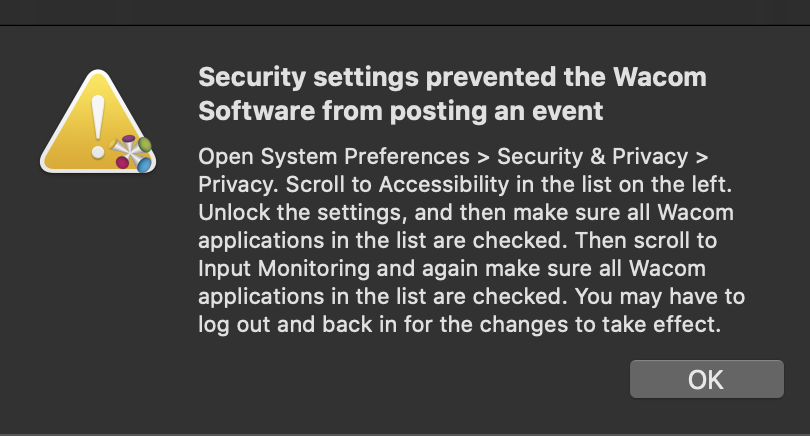
My first stop was the official Wacom forum, where the advice was the classic: uninstall and reinstall the driver. Make sure everything is deleted. I did that, everything was where it should be but still nothing. I tried logging out, logging back in, restarting — none of it helped.
Nothing left but to keep searching. I found the fix on Reddit. After a successful reinstall I removed all the Wacom entries from System Preferences. Restarted the computer, plugged in the tablet via USB and waited. Notifications started popping up asking for permissions to access this and that — I approved all of them and suddenly it worked.